
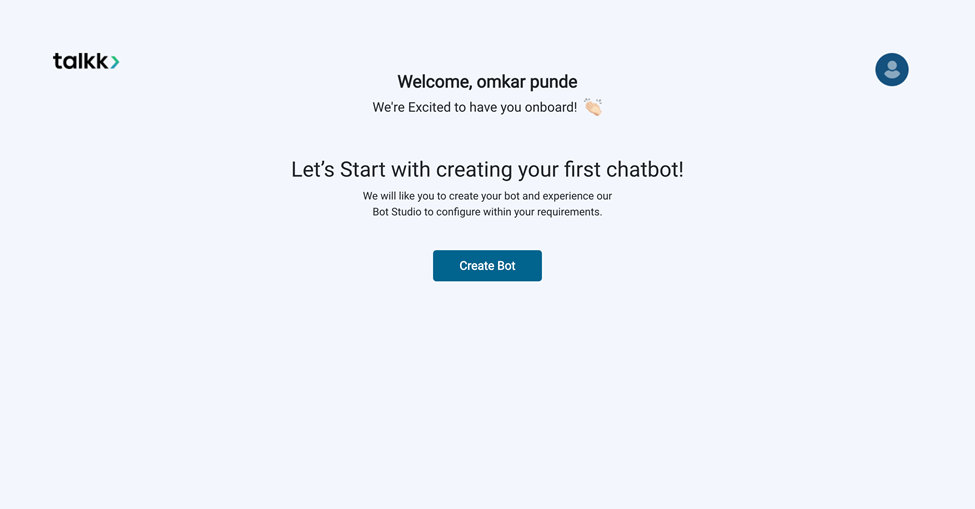
What you see:
- A welcome message greeting you by name.
- A one-time onboarding screen with Create Bot
Why it matters:
- This screen only appears on your first login.
- It encourages new users to immediately create a bot and start exploring features.
- On subsequent logins, you’ll skip this step and land directly on the Bot Selection Dashboard.
What you need before this step:
- Nothing extra — just your Talkk login credentials.
Outcome after action:
- Clicking Create Bot opens the Bot Creation form.
- If you skip or log out, you can always create a bot later from the dashboard.
Best practice:
- Use the first login to create a test bot — it helps you learn the system without impacting production bots.