
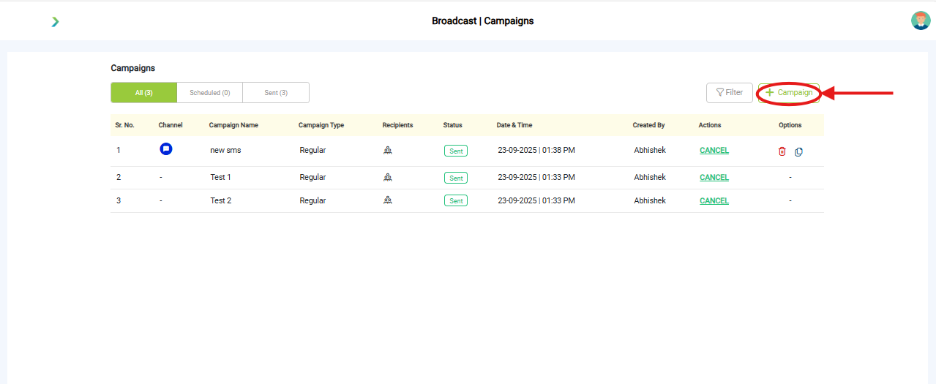
What you see:
- Fields: Campaign Name, Channel, Template, Target Audience, Schedule.
- Buttons: Save, Launch.
Why it matters:
- Campaign details ensure the right message reaches the right audience at the right time.
What you need before this step:
- A pre-approved template (for WhatsApp).
- An Address Book segment.
Outcome after action:
- Campaign appears in list with status (Scheduled, Running, Completed).
Best practice:
- Name campaigns clearly (e.g., “July Promo – Premium Users”).
- Test with a small audience before scaling.