
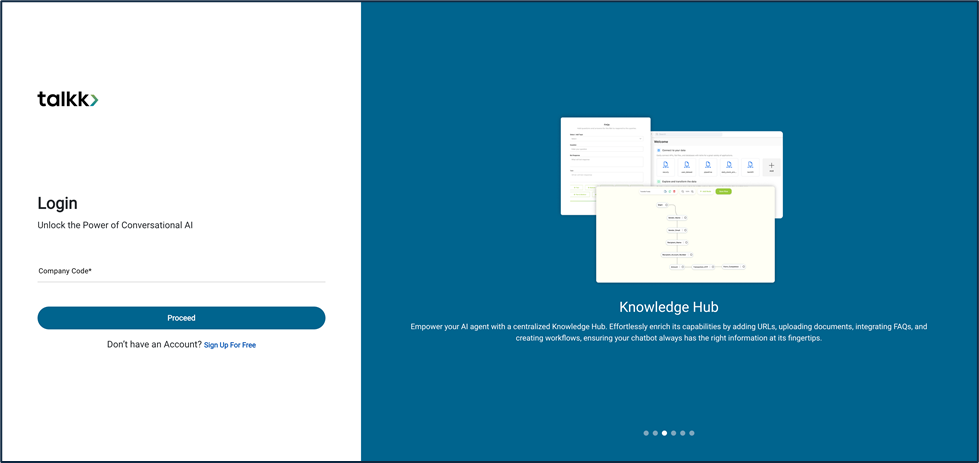
What you see:
- Company Code Field → A unique short code that identifies your organization’s workspace.
- Proceed Button → Takes you to the login method screen.
Why it matters:
- Company Codes ensure you’re logging into the right organization. This avoids data mix-ups when multiple companies use Talkk.
What you need before this step:
- The Company Code (provided in your onboarding email).
- If missing, ask your Talkk admin.
Outcome after action:
- You’re routed to the correct workspace login.
Best practice:
- Save your Company Code somewhere safe.
- Use copy-paste from official email to avoid typos.