
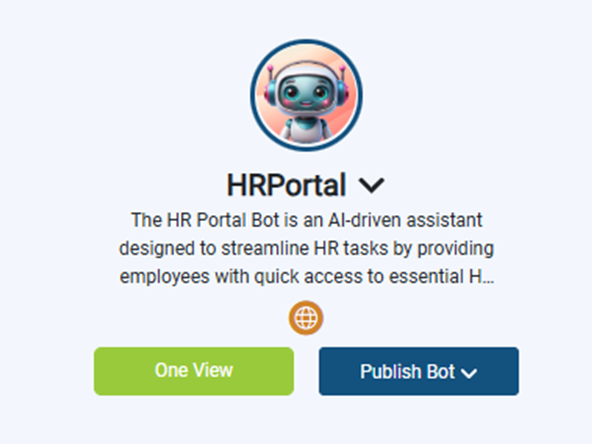
What you see:
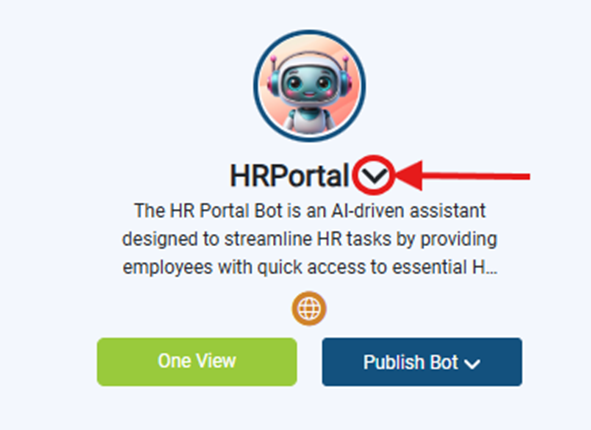
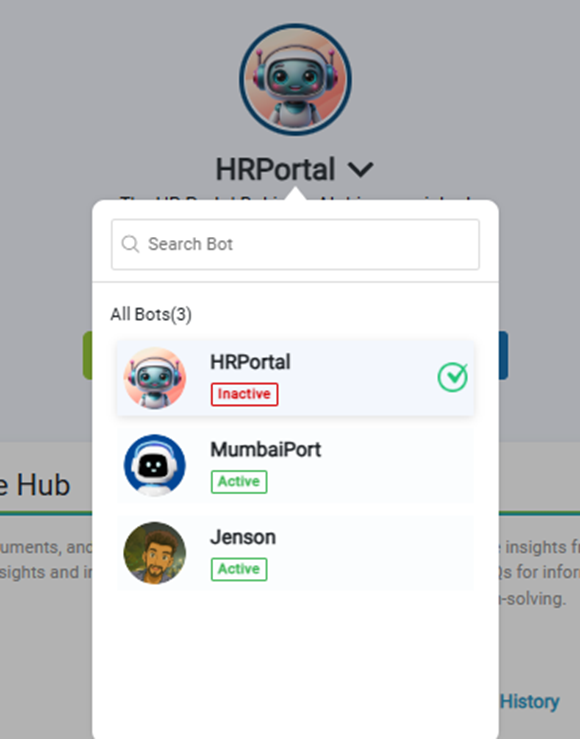
- Your newly created bot listed in dashboard.
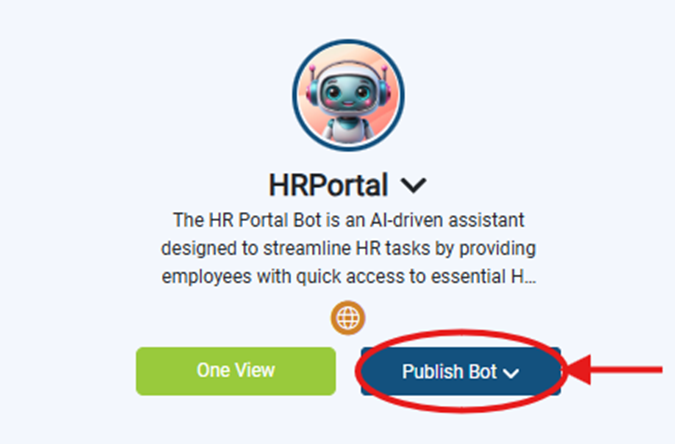
- Dropdown Title: Publish Bot
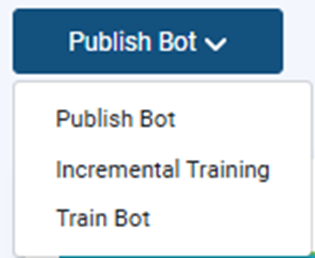
- Available Options:
- Publish Bot → Deploy the bot to production or make it live.
- Incremental Training → Train the bot with new data without retraining everything.
- Train Bot → Perform a full training cycle using all available data.
- Available Options:
Why it matters:
- Confirms bot creation was successful.
- Lets you manage multiple bots in one workspace.
What you need before this step:
- Nothing — you can create more bots later.
Outcome after action:
- Your bot is ready for further configuration (Knowledge Hub, Integrations, etc.).
Best practice:
Create a “sandbox bot” for testing features before configuring your production bot.