
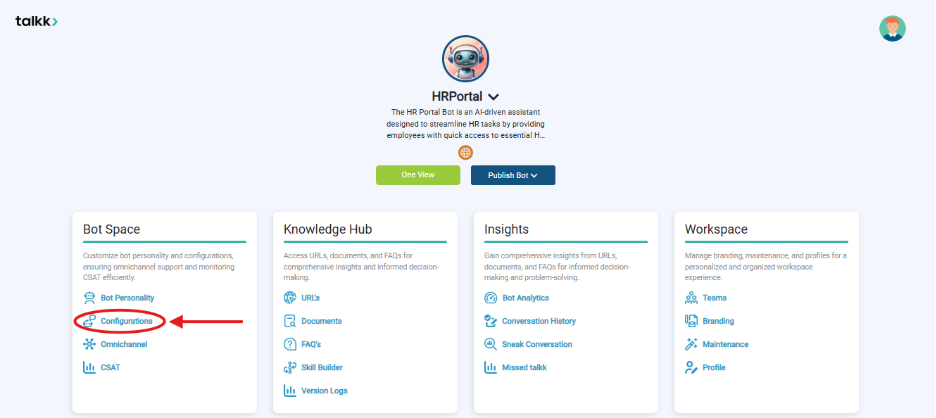
What you see:
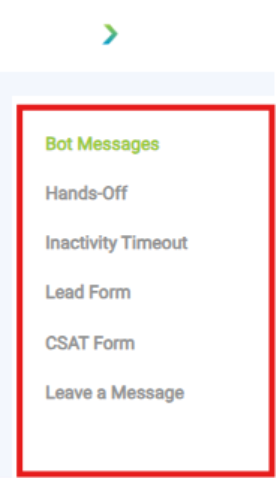
- A configuration panel with multiple tabs: Bot Messages, Hands-Off, Inactivity Timeout, Lead Form, CSAT Form, Leave a Message.
Why it matters:
- These settings define the fallback and recovery mechanisms for your bot.
- Ensures no user query is left hanging.
What you need before this step:
- A created bot with Knowledge Hub content.
- Clear escalation and feedback policies.
Outcome after action:
- Bot will respond gracefully to errors, escalations, and idle scenarios.
Best practice:
- Configure these settings before going live with any channel.